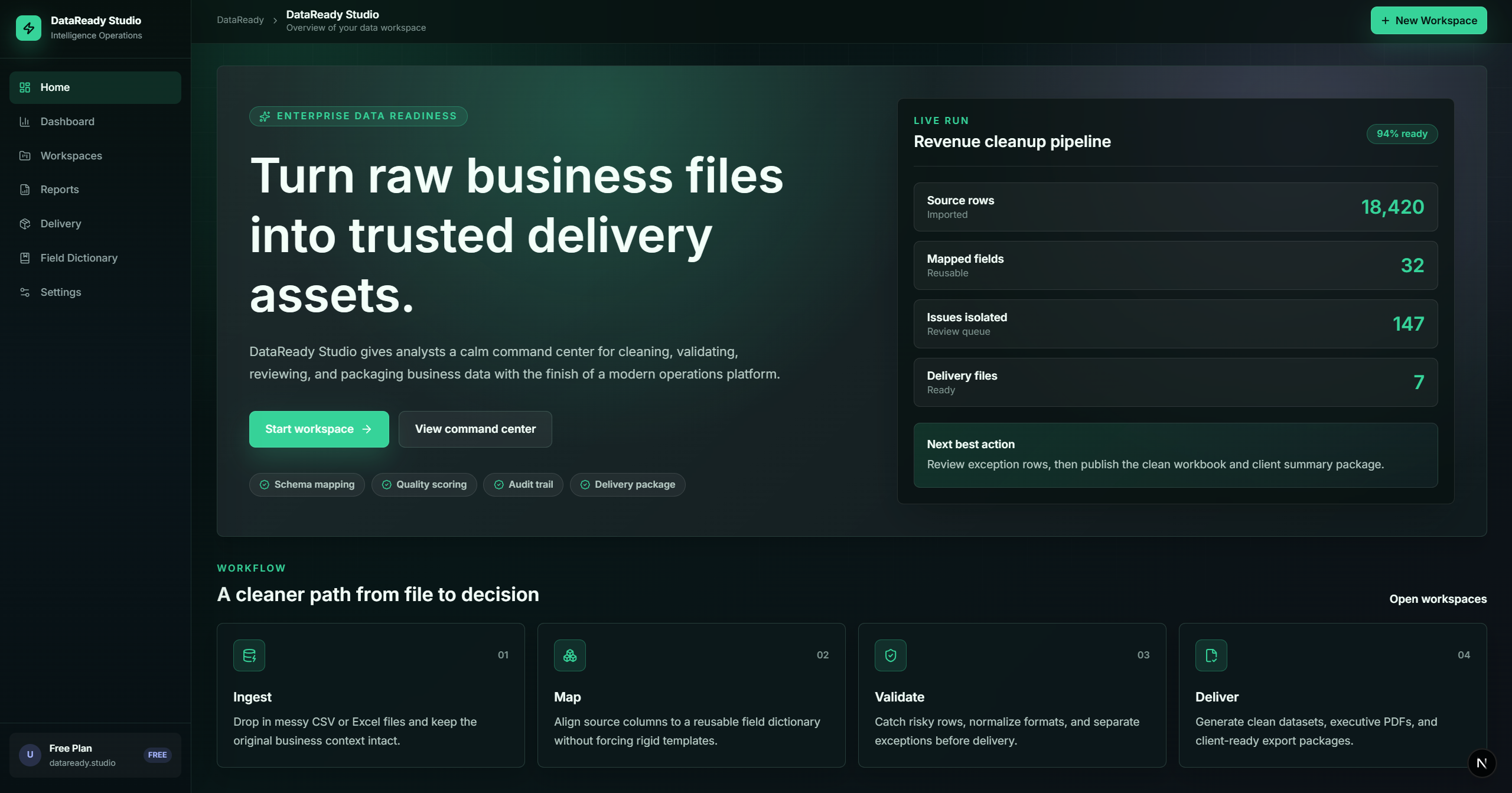
Turn Messy Data IntoORGANIZED - CLEAN - VALIDATEDClient-Ready Reports & Dashboards

  • check_circleUpload CSV or XLSX files
  • check_circleMap fields
  • check_circleApply cleaning rules
  • check_circleReview uncertain rows
  • check_circleFinalize clean data
  • check_circleGenerate dashboards
  • check_circleFull Report
  • check_circleProfessional Export package
grid_viewWorkspace View
monitoringAnalytics Engine
taskFinal Report
image
bar_chart
layers
insights

From Raw Spreadsheets To Trusted Outputs

upload_file

Messy files

Ingest fragmented CSV and XLSX files without worrying about formatting nightmares or encoding issues.

account_tree

Field mapping

Intelligent auto-detection suggests the best matches for your target schema, saving hours of manual work.

rule

Cleaning & validation

Apply custom logic and regex-based rules to ensure every cell meets enterprise-grade quality standards.

dashboard

Trusted Outputs

Export high-impact dashboards, professional reports, and validated packages ready for delivery.

Built for serious data preparation workflows

The tools you need to transition from data wrangler to data architect.

smart_toy

Smart field mapping

AI-assisted detection of column headers across heterogeneous data sources.

tune

Configurable rules

Low-code engine to define cross-field validations and data transformations.

cleaning_services

Data cleaning

Automated removal of duplicates, normalization of formats, and whitespace trimming.

pending_actions

Review queue

Collaborative workspace to flag, discuss, and fix anomalies in real-time.

lock_open

Finalization gate

Mandatory verification checks before any data can be exported or committed.

bar_chart

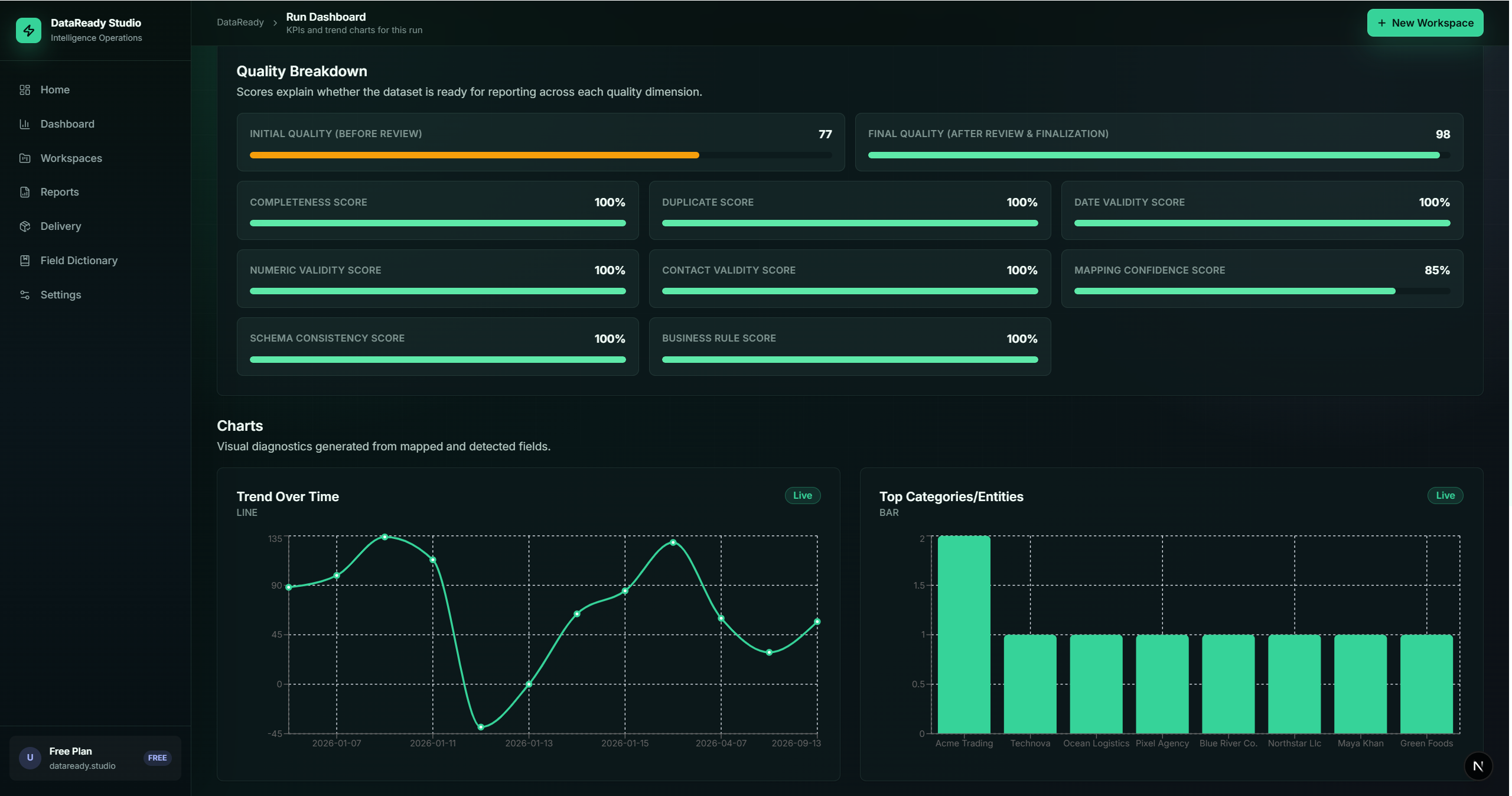
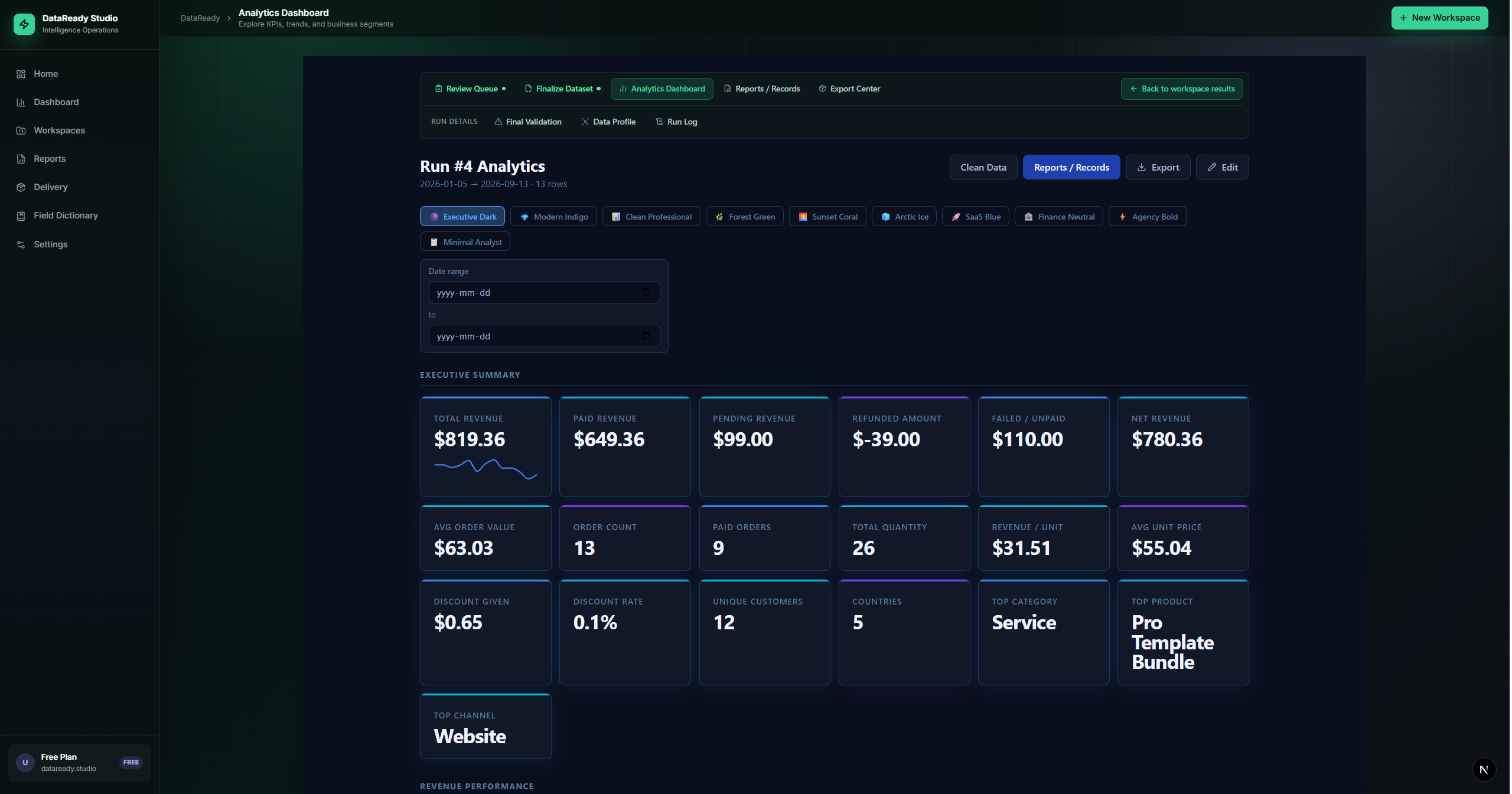
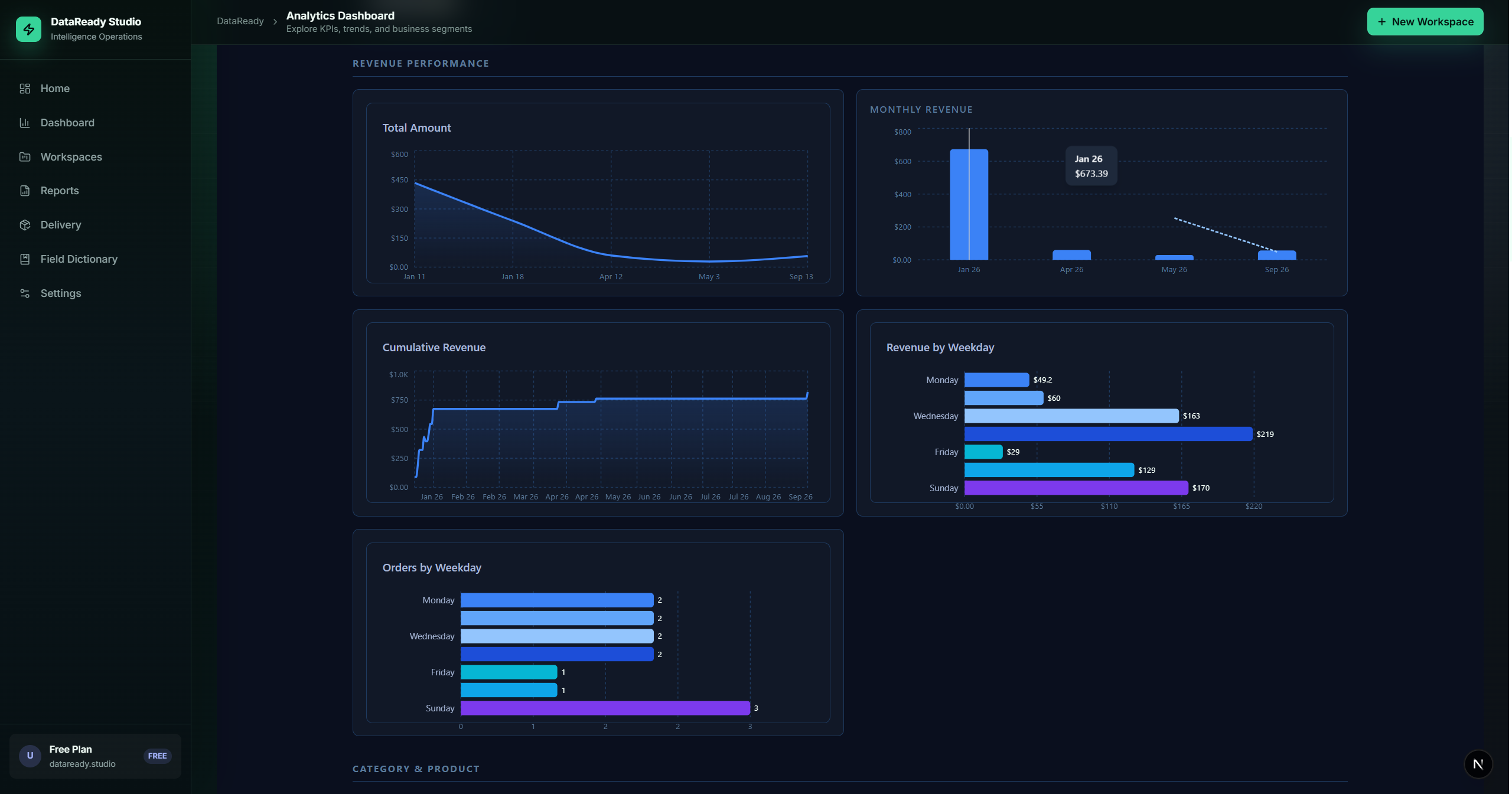
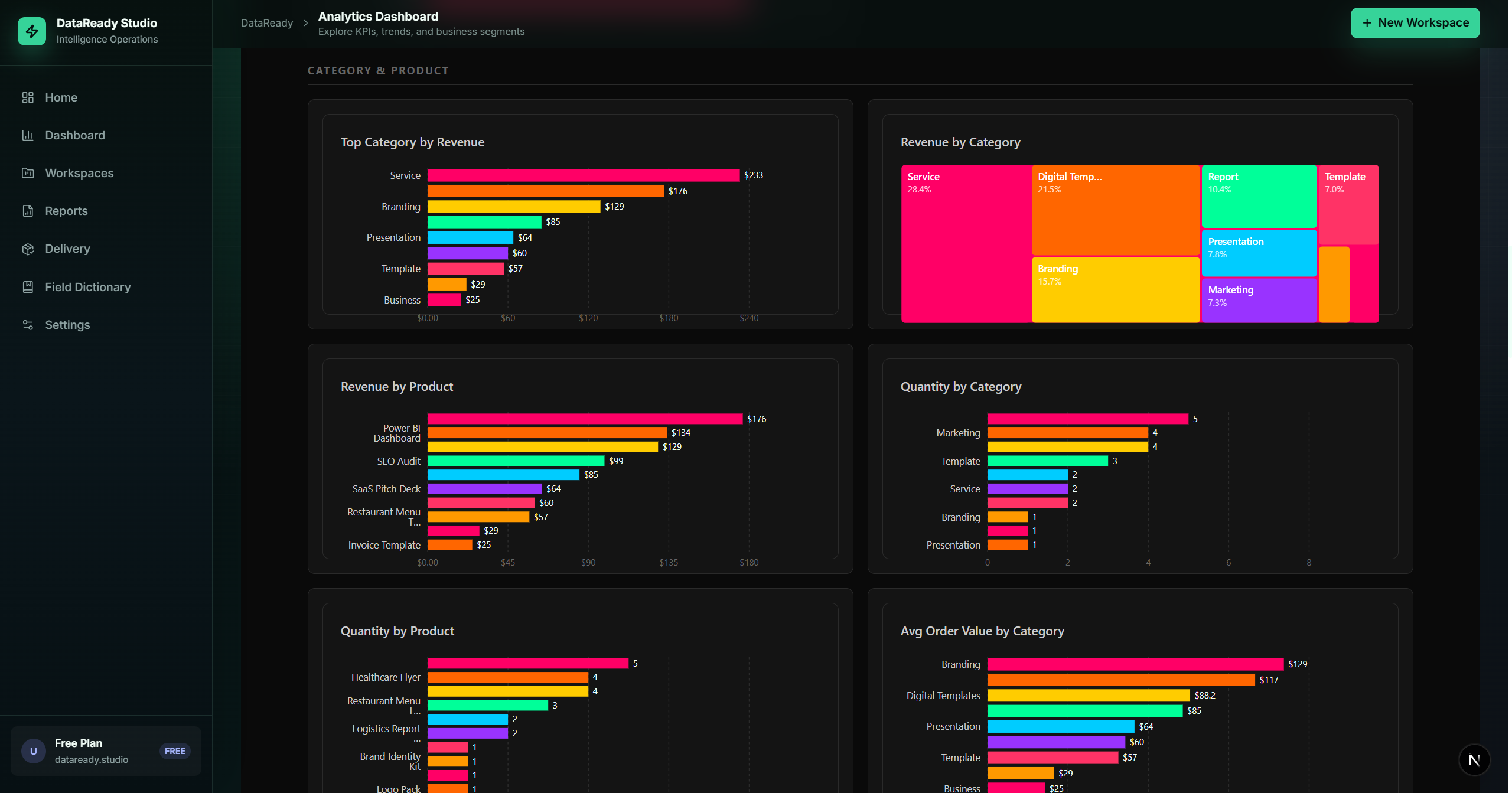
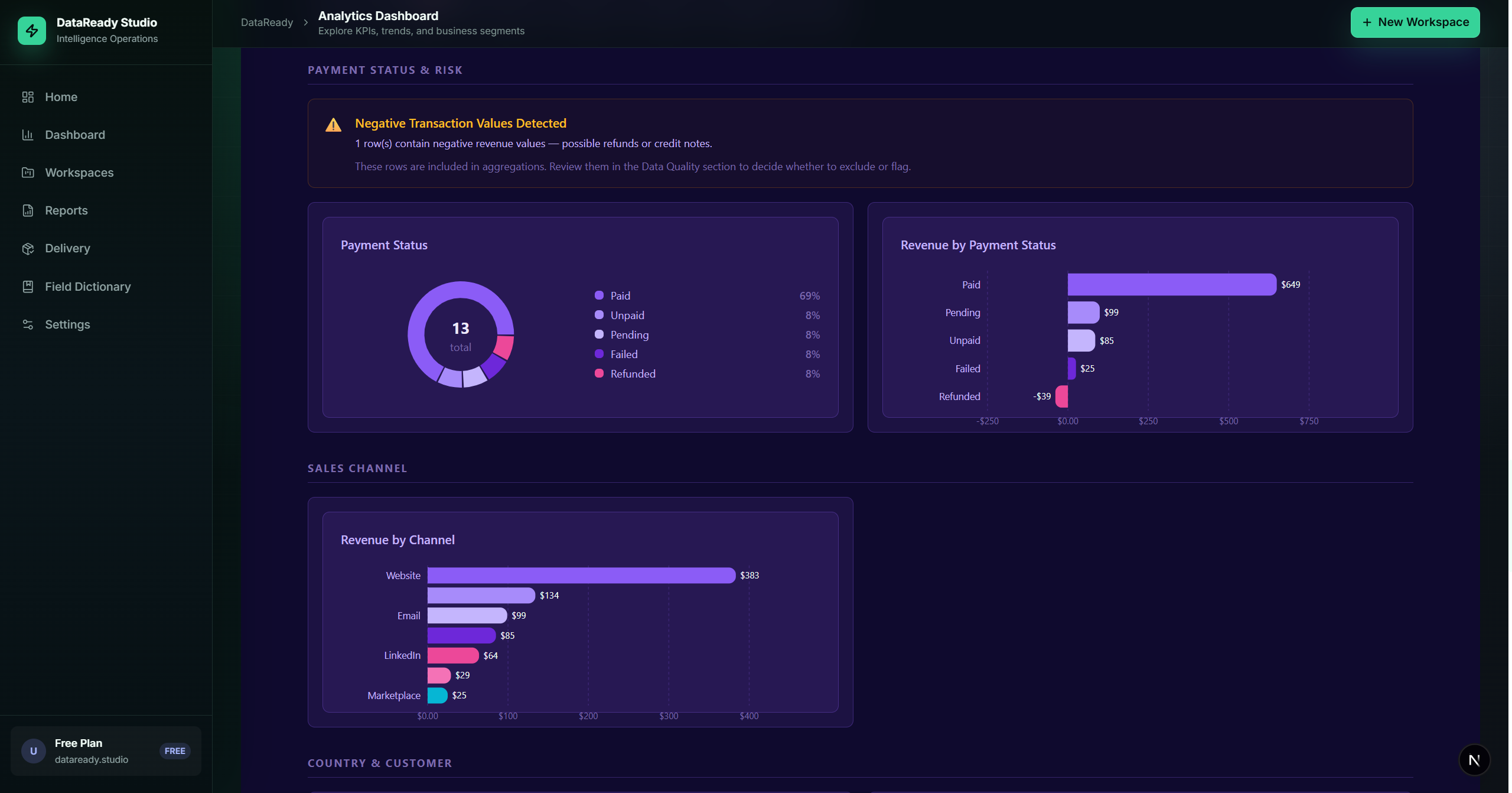
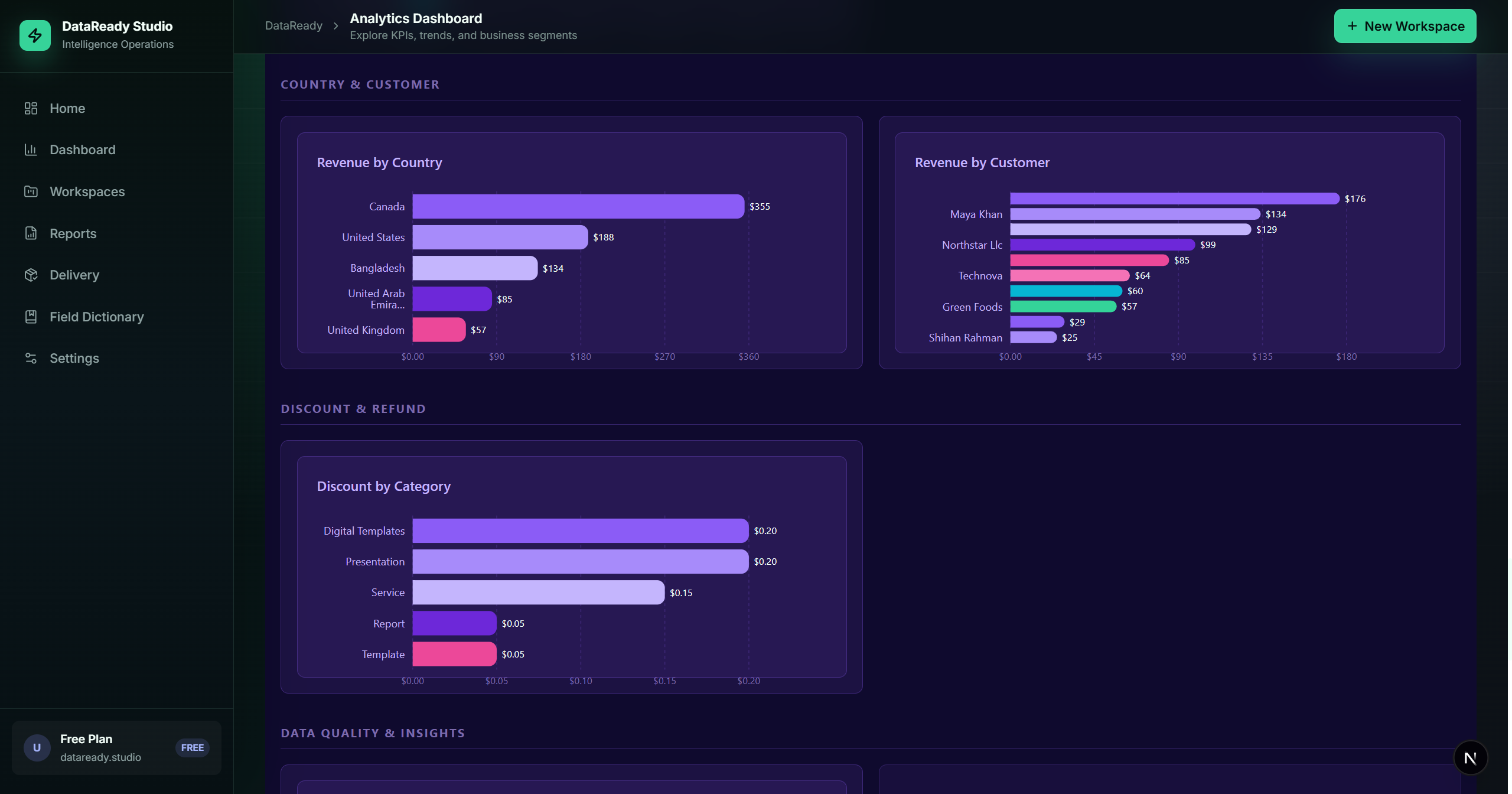
Analytics dashboard

Visualize data distribution and error rates with live telemetry.

description

Professional reports

Generate client-ready PDF summaries of data health and transformation steps.

package_2

Export package

Bundle validated datasets with metadata and documentation in one click.

shield

Audit-friendly outputs

Full lineage tracking for every change made during the cleaning process.

A clear workflow from upload to delivery

Step-by-step industrial data manufacturing.

01
Upload
02
Map
03
Configure Rules
04
Clean & Validate
05
Review
06
Finalize
07
Dashboard
08
Reports
09
Export

See the workflow before you log in

Workspace
Workspace setup

Configure connections and map schemas in a high-density professional environment.

Analytics
Analytics & Reports

Monitor data health, validation pass rates, and pipeline performance metrics.

Export
Export Package

Generate final deliverables with embedded documentation and lineage graphs.

Try the online demo workspace

Create an account or use the demo login to explore the workflow in your browser

Register Now

Get in touch

Questions about enterprise deployments or custom rules?

Common Questions

Everything you need to know to get started.

What file types are supported?

We support CSV and XLSX as standard input.

How does the rule-based cleaning work?

DataReady Studio uses a logic-engine to apply conditional transformations, regex-based validation, and schema mapping to ensure your datasets are production-ready.

Can I use real business data?

For the public demo, use sample or non-sensitive data.

What does an export package include?

Final cleaned data, reports, metadata, audit records, and delivery-ready export files where available.

DataReady Studio - Enterprise Data Quality Platform